Dane Poyzer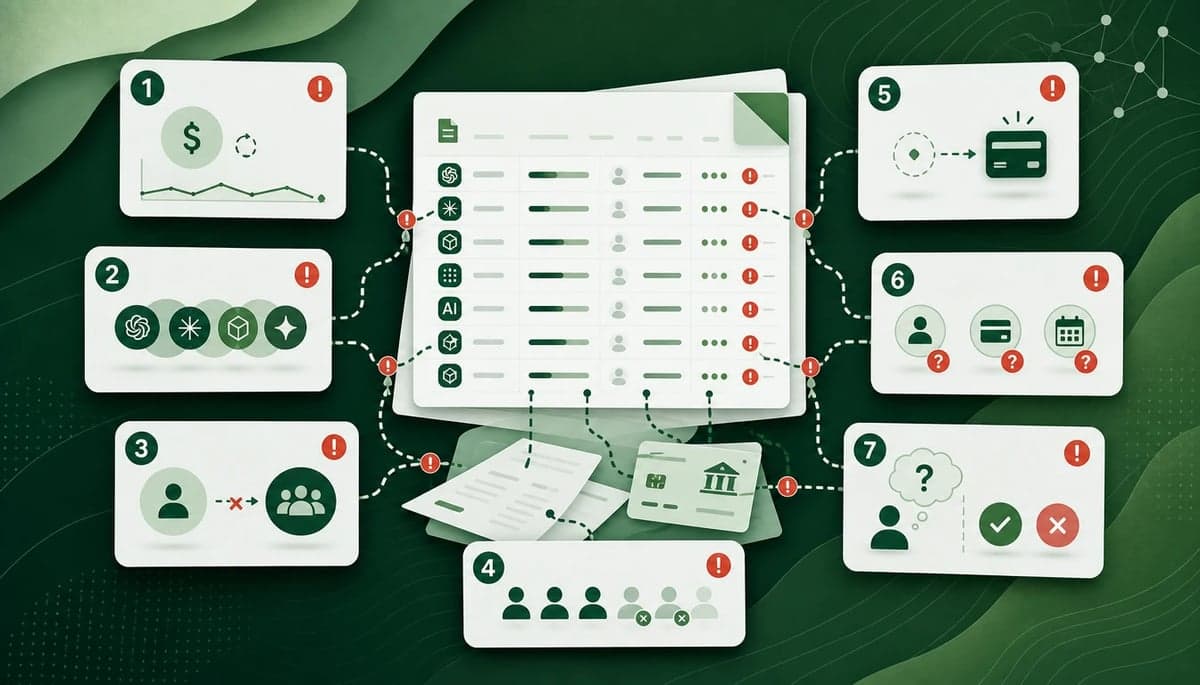
On this page10 sections
AI spend almost never shows up as one clean budget line. It usually arrives as individual subscriptions, team seats, coding tools, writing tools, image tools, search tools, meeting tools, SaaS add-ons, reimbursements, and old trials.
That is why AI tool spend can feel smaller than it really is. The charges are scattered, the owners are unclear, and the review gets postponed because each single line looks manageable.
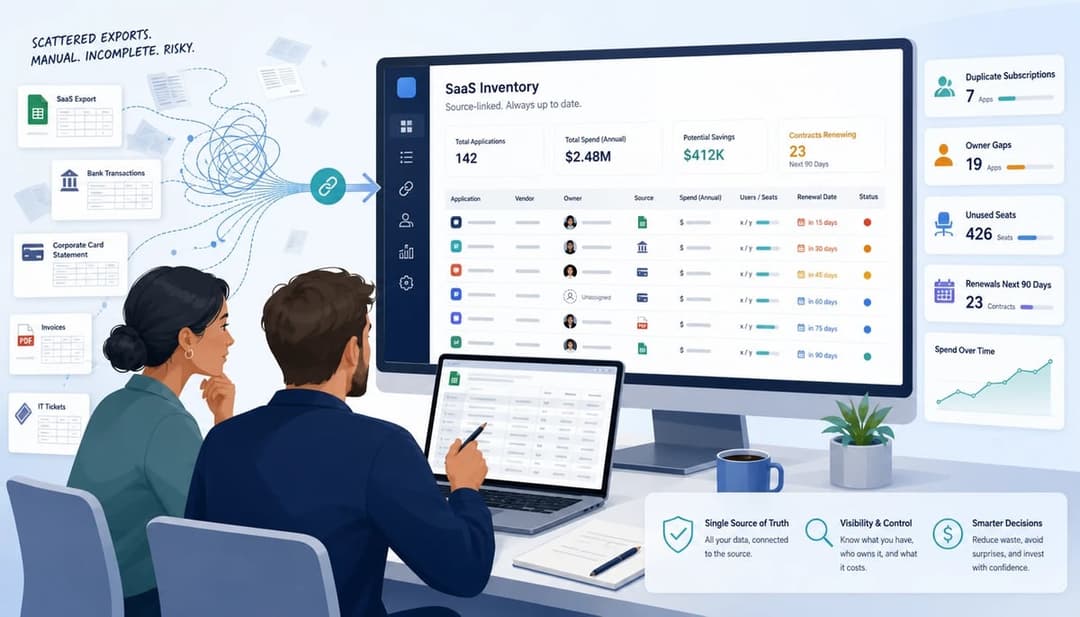
This article is a bit unusual because it shows you how to review AI spend manually. You can absolutely do this with exports and a spreadsheet. If you want the faster route, SaaS Spend Review turns messy exports into a source-linked review of likely savings, duplicate tools, owner gaps, renewal risks, and cleanup priorities.
1. Treating small AI subscriptions as too small to review
The first mistake is dismissing individual AI subscriptions because each one looks cheap on its own.
One founder pays for a chat tool. A developer has a coding assistant. A marketing person upgrades a writing tool. Someone else trials an AI search product. A client project needed an image tool for two months. None of those charges looks dramatic in isolation, but together they can become a real line of recurring spend.
The fix is simple: review AI spend as a category, not as a set of isolated charges. Export the places where software spend appears, normalize vendor names, and group likely AI vendors in one list.
For each charge, capture the vendor, amount, frequency, payment source, owner, and last seen date. Until that list exists, you do not know whether AI tool spend is small, sensible, duplicated, or drifting.
2. Paying for overlapping tools without naming the job each one does
Overlap is not automatically waste. A coding assistant and a research assistant may both be justified. Two writing tools might serve different teams. But unmanaged overlap is where spend starts leaking.
The question is not "do we have more than one AI tool?" The better question is "what job does each tool do, and who owns that job?"
Group tools by job-to-be-done: writing, research, coding, meeting notes, image generation, automation, support, analysis, internal knowledge, or client delivery. Then look for tools solving the same problem for the same people.
If two tools do the same job, keep both only when the difference is clear enough to defend at renewal time. Otherwise, mark one for consolidation, downgrade, or cancellation.
3. Choosing individual plans, team plans, or add-ons without checking usage
A useful AI tool can still sit on the wrong plan.
Small teams often end up with a mix of individual subscriptions, team plans, workspace add-ons, and AI features bundled into tools they already use. That makes the plan decision more important than it first appears.
For each tool, check who uses it, whether it needs central billing, whether admins need visibility, whether another paid SaaS product already includes a suitable AI feature, and whether the current plan level is still necessary.
The action is not always cancellation. Sometimes the right move is to move individual spend into a controlled team plan. Sometimes it is to downgrade. Sometimes it is to stop paying for a standalone AI tool because an existing product already covers the workflow well enough.
4. Keeping seats for leavers, contractors, experiments, and client-specific work
AI seats are easy to add and easy to forget.
A contractor gets access during a project. A staff member trials a tool and moves role. A client-specific workflow ends. A founder upgrades something for a pitch. Unless access review is tied to offboarding and project close-out, seats can remain active after the reason for them has disappeared.
Check current paid users against your current team list, leavers, contractors, project-only users, and client-only accounts. Where the tool has admin data, add a last-active note. Where it does not, assign a person to confirm whether the user still needs access.
The fastest savings often come from old seats, not from arguing about whether the tool itself is valuable.
5. Letting free trials and free tools hide future paid demand
Free tools do not show up as spend, but they still shape future spend.
A free AI tool can become part of a workflow before anyone has reviewed whether it overlaps with existing products. Later, the team asks for an upgrade, a reimbursement appears, or a founder quietly pays for the paid tier because the work now depends on it.
This is not an argument for blocking experimentation. It is an argument for making likely future spend visible earlier.
Add important free AI tools to the same inventory as paid tools. Mark them as free, note the users, and record the job they do. When a tool becomes important enough to upgrade, you can decide whether to pay, consolidate, or choose a better team-wide option.
6. Reviewing AI spend without owners, renewal dates, or payment sources
A list of tools is useful, but it is not enough.
If no one knows who owns a tool, who can cancel it, what card pays for it, or when the next charge lands, cleanup slows down. Every decision becomes a small investigation.
For every active AI subscription, add an owner, budget owner, payment source, billing frequency, next charge or renewal date, cancellation route, and source rows behind the finding.
This is where a spend review becomes actionable. You are not just saying "we use this tool". You are saying who owns it, where the evidence came from, and what should happen next.


7. Cutting or renewing AI tools based on gut feel instead of evidence
The final mistake cuts both ways.
Some teams cut AI tools because the category sounds expensive. Others renew them because someone says they are useful. Both decisions can be wrong if they skip the evidence.
Before cutting or renewing, check the owner, users, workflow, overlap, plan fit, renewal timing, and business value. Then classify each tool as keep, downgrade, consolidate, cancel, or review later.
The standard does not need to be perfect. It just needs to be better than gut feel. A tool worth keeping should have a named owner and a reason linked to delivery speed, margin, quality, sales, or another concrete business outcome.
A simple AI spend review checklist
If you want to run the review manually, start here:
- Export spend from bank, card, PayPal, and accounting systems.
- Filter likely AI vendors and SaaS products with AI add-ons.
- Normalize vendor names so repeated vendors group together.
- Add owner, user group, payment source, billing frequency, and last seen date.
- Group each tool by the job it does.
- Flag overlap, owner gaps, old seats, new vendors, price changes, and renewals.
- Choose one next action for each tool.
If you have not already built the underlying software inventory, start with How to build a SaaS inventory from messy exports in 7 steps. The same export-first process works well for AI spend.
Where SaaS Spend Review fits
The manual process works, but it is slow once subscriptions are spread across founders, staff, contractors, cards, PayPal, and client accounts.
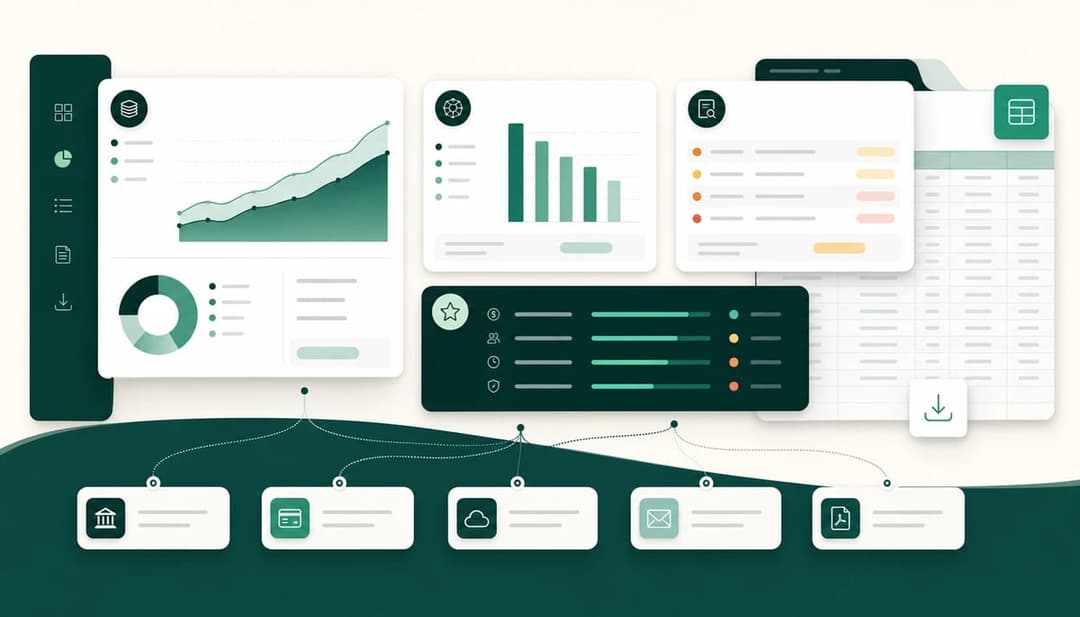
SaaS Spend Review exists to shorten that review. You upload messy exports, see a preview before paying, and get a source-linked report showing duplicate tools, AI spend issues, owner gaps, renewal risks, and likely cleanup opportunities.
The important bit is the source link. If a report says a tool looks duplicated, ownerless, new, changed, or worth reviewing, you should be able to trace that back to the rows that caused the finding. The sample report shows how those findings are laid out.
Wrapping up
The goal is not to ban AI tools. It is to make AI tool spend visible, owned, and intentional.
A small team should be able to experiment with useful tools without letting subscriptions drift across cards and accounts. Once the evidence is visible, the decisions get easier: keep what helps, remove what no one owns, and review anything that no longer matches the workflow.
If you would rather skip the spreadsheet work, start from SaaS Spend Review and use the report to find AI and SaaS savings with source-linked evidence.